Key takeaways
- Useful AI automation examples connect a clear AI task to a repeatable workflow.
- Ordinary rules can handle the steps that don’t require interpretation.
- Good source material helps make drafts, summaries, and routed requests useful.
- Human checkpoints should match the consequences of the next action.
AI can draft a customer reply, but you may still be copying messages into a prompt and moving the results back to your inbox. An automation can connect those steps: the incoming message supplies the details, AI prepares a response, and the draft reaches the person who can approve it.
These 11 AI automation examples span marketing, customer requests, sales, and internal operations, drawing on practitioner-described patterns and fictional scenarios or demonstrations from our AI Automation coursework. We’ve included examples with a recognizable task, a specific AI contribution, and a useful output; plain reminders don’t qualify. They illustrate how a workflow could operate; they aren’t reports of measured business results.
Workflows vs. AI automations
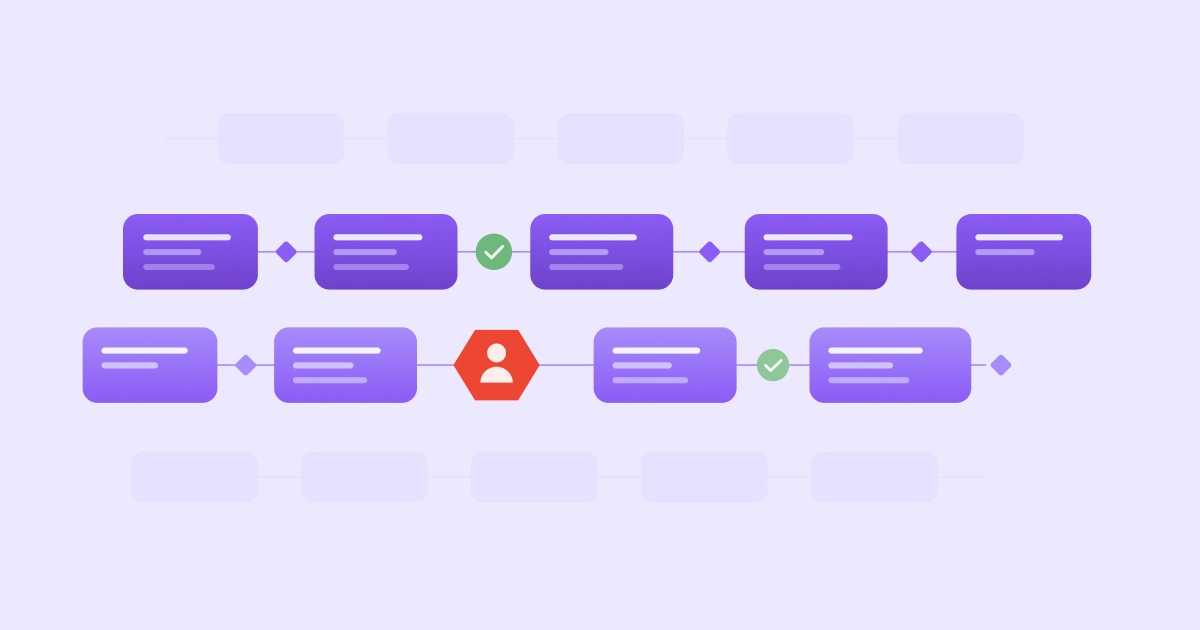
A workflow describes the process from an input to an outcome. AI automation can carry out connected steps within that process.
Manually pasting a prompt into a chatbot is a form of AI assistance. In an automation, software connects the AI task to the steps that use its output. A person’s message can trigger the process, and an AI agent can operate within it.
AI automation examples for marketing
Marketing offers two distinct starting points: preparing content from existing material and interpreting recurring performance data. Both put a draft or report in front of the team, with the context it needs to make a creative or campaign decision.
1. Draft social posts from a content calendar
You’ve agreed on the post idea; now someone has to find the images, write the caption, and get the package approved. A content-calendar automation can connect that preparation, sending a draft to the marketer responsible for it.
In the example from our coursework, a content calendar points to an organized collection of photos, clips, and supporting material. The proposed workflow uses AI to draft captions and hashtags, assembles the post, and sends it to a marketer. Approval then releases it for scheduling.
The creative decision still comes first: your calendar needs to explain the intended story, and the asset library needs suitable material. The marketer checks whether the caption accurately describes what the image shows and whether the post conveys the team’s intent.
[[cta-big]]
2. Summarize weekly marketing performance
Weekly reporting involves gathering the numbers and explaining what deserves attention. An automation can prepare that explanation for the people making campaign decisions.
The course scenario also proposes collecting social performance data weekly, storing it, and passing it to AI for analysis and a written report. The workflow shares that report with marketing and leadership. For your own version, define the metrics and reporting period, and keep calculations traceable to the source data.
Before using the report to change a campaign, we’d add a human-in-the-loop check. If the summary states that engagement increased, the reviewer should be able to locate and verify the corresponding figures and dates. A change in a metric doesn’t establish its cause, so the marketer needs to assess the interpretation alongside what the team knows about the campaign.
AI automation examples for customer requests
Different stages of handling customer information call for different results: structured records of incoming requests, well-supported responses to product inquiries, or synthesized summaries of feedback to uncover potential issues.
3. Turn inbox messages into customer records and reply drafts
A connected intake workflow could turn a shared-inbox message into a proposed customer record and reply draft. AI extracts the sender’s details and summarizes the request in a form the team can use.
In this example, the incoming message starts the process, and AI identifies the information needed for a CRM or spreadsheet entry. The workflow puts the proposed record beside the response for review. You could ask the AI to acknowledge the request and prepare a relevant answer based on the supplied details, without committing to anything the team hasn’t approved.
Missing details should stay visible. If the customer hasn’t supplied an order reference, the draft can request it; if a record already exists, the reviewer can check for a possible duplicate. The team member checks the proposed record before saving it and reviews the reply before sending it.
4. Answer product questions from approved documentation
Even a familiar product question can send a support representative searching through a knowledge base. A support automation connects the customer’s wording to the relevant instructions and returns an answer based on that material.
One example in our course uses product manuals and support guidance as its knowledge source. AI interprets the question and composes an answer using those resources, while difficult or emotionally sensitive cases are handled by a person.
The support team owns the reference material and decides when a case needs escalation. An answer about connecting a device, for example, must match the product the customer actually has. When the question remains unresolved, a support specialist handles it and can identify whether the documentation needs clarification. The manual provides a basis for the answer, but it doesn’t guarantee a correct response.
5. Group customer feedback into recurring themes
A support lead may want to understand what connects individual customer conversations. A recurring feedback summary helps them examine related issues across a defined period.
Another scenario in our course: a weekly automation gathers complaints, sends them to AI for review and pattern recognition, and then shares the insights with the support team and decision-makers. AI groups and summarizes what customers describe, giving the team an overview to investigate alongside the original messages.
You’d keep the original messages accessible so the support lead can check the proposed themes against them. Several comments grouped under “delivery problems,” for example, might describe different issues that need different responses. The lead would also check the underlying counts before calling a theme frequent. Those checks help them decide whether to revise an explanation, investigate a process, or bring a product issue to its owner.
AI automation examples for sales follow-up
Salespeople need context before the first conversation and after a call. These workflows prepare information at both points, while leaving the salesperson responsible for what to promise and how to follow up.
6. Route incoming leads with a useful summary
“We’re looking for help managing requests across several locations” gives a salesperson a starting point and leaves plenty to ask. A lead-routing workflow could interpret the message and assess it against the team’s agreed qualification criteria.
When an inquiry arrives, AI extracts the stated needs and identifies which criteria the message addresses. The workflow then assembles and routes the record with a short explanation. Once the necessary fields are available, fixed rules can handle clear territory or account-ownership assignments.
This summary adds a qualification decision to the intake pattern in example 3. A budget or decision date the prospect hasn’t mentioned remains an open question, even when the criteria require it. Keep the reasoning with the suggested match so the salesperson can judge fit and decide what to ask next.
7. Turn sales-call notes into CRM updates and follow-ups
The call went well, and now you need to update the account record and write the follow-up. A workflow could use the completed transcript or notes to prepare both drafts from the same conversation.
AI extracts the customer’s needs, agreed actions, and relevant dates, and then the connected process places a proposed account update in a review queue and prepares a message for the salesperson. The original notes remain available for comparison. In this flow, we’d require review before accepting the CRM update or sending the email.
Commitments deserve particular attention: “We’ll discuss pricing next week” shouldn’t become a promise to deliver a proposal by Friday, and a tentative suggestion shouldn’t appear as a confirmed agreement. The salesperson checks names, dates, and next actions against the conversation. Once corrected and approved, the account record and outgoing message can reflect the same understanding of what happens next.
AI automation examples for internal operations
An invoice, an employee’s question, and a chat request all contain information that someone needs to interpret. What follows may be as small as retrieving a calendar event or as consequential as approving a transaction, so the person’s role changes with the task.
8. Extract invoice details for a draft bill
Copying invoice details into a finance system gives you a specific task to consider automating. In this example, an invoice arriving in an inbox triggers the extraction of the supplier, dates, line items, and amounts into a draft bill.
Ordinary calculations can compare line-item amounts with the total, while fixed matching rules check the invoice against available purchase-order information. Neither check needs AI. Any discrepancies would go to finance with the original invoice, giving the reviewer both the document and the proposed fields.
The intended benefit is less rekeying. A finance reviewer still compares the extracted details with the original invoice and resolves discrepancies before approving the transaction. This example prepares the record; payment approval remains a separate decision.
9. Answer employee questions and route HR or IT requests
An employee asking “How do I request access to the reporting tool?” needs information before they need someone to act. An AI workflow could interpret the question, locate the approved instructions, and, when necessary, forward the request to its owner.
In this setup, the message triggers a search of approved policy or help resources. AI prepares an answer from that material, or the workflow creates a request for HR or IT. Use organization-approved tools, remove personal details the task doesn’t need, and restrict access to information the requester is allowed to see.
Answering an access question doesn’t authorize a change: the designated owner still decides whether to grant it. Ambiguous policy or personnel matters also go to an authorized person. The workflow can gather the request and route it to that person.
10. Retrieve calendar information from a conversational request
“What’s on my calendar this afternoon?” can also start an automation. AI interprets your request and the relevant conversation context, then uses a connection to retrieve the events needed for an answer.
The calendar-assistant lesson in our curriculum illustrates this setup: when a chat message is received, an AI agent connected to calendar-event retrieval processes it. This configured action only reads event details and does not alter the calendar.
Use the answer to decide what to do, and check the relevant event’s details before making arrangements. The example connects a conversational request to a narrow lookup, leaving calendar changes with you.
11. Route chat requests to the right business action
Finding contacts and emailing them are different requests. An intent-routing workflow uses AI to identify which kind has arrived and extract the details needed for a defined action.
The fictional NovaTech example in our coursework shows how AI can sort chat requests into three routes: data lookup, email, or meeting. The workflow then pulls details such as a person’s name, location, or meeting date into the fields that route’s action needs. A meeting request, for example, passes the attendee and date to the scheduling action.
We’d adapt this example by adding confirmation before an email is sent or a meeting is created. A person would check recipients, message content, and meeting details, requesting clarification for any missing or ambiguous information. These approval steps are our proposed additions to the teaching example.
Where to start with your first AI automation
Start with one recurring task from your own week. Use these steps to turn it into a clear automation idea before deciding how to build it.
- Choose a task with an output you can assess. A draft reply, weekly report, or proposed customer record gives you something concrete to compare with the work you do today.
- Map what happens now. Identify the source material, what starts the work, the actions that follow, and who uses the result.
- Decide where AI contributes. Identify what needs to be interpreted, drafted, or summarized. Keep ordinary rules for steps with clear, fixed logic.
- Choose the human checkpoints. Decide who reviews or approves consequential actions and which low-consequence steps can run between reviews.
- Define and test a useful result. Write down what acceptable output looks like, compare initial results with that expectation, and assign someone to revisit the workflow when its inputs or purpose change.
Susan Morrow, an instructor in our AI Automation course, explains why those checkpoints matter: “[You] need to decide if human approval or intervention is required. Not all processes require a decision point, but it’s often important when the decision involves large amounts of money or reputational risk.”
FAQs about AI automations for work
Do AI automations always need an AI agent?
No. An AI automation can use a defined AI step inside a rules-based flow without an agent choosing the sequence of actions. A model might classify a message while fixed rules determine its destination. Anthropic’s engineering guidance describes this distinction between predefined workflows and agents that direct their own process.
Which AI automation examples suit a small team?
A bounded draft or summary is a useful option when a small team has the source material and someone to assess the result. Look at work you already repeat, such as preparing a reply or summarizing a weekly report, and make sure reviewing the output fits someone’s responsibilities.
Can an AI automation run without someone reviewing every output?
Yes, as long as the automation’s owner defines what acceptable output looks like and when exceptions go to a person. Low-consequence steps can run between human reviews. Match how often you review to the consequences of the next action: require approval before consequential commitments, spot-check routine output periodically, and review the workflow whenever the task or source information changes.


 Your Learner Success Advocate
AUTHOR